
green-api is a service that allows us to send and receive text, photo and video using stable WhatsApp API gateway. The service includes free account that can be used to send notifications to 3 chats (Group or Private) and many more.
green-api-custom-notifier is a Homeassistant custom notification component that enables us to send notification to Whatsapp groups using green-api.
Limitations
- The free account is limited to 3 chats (Group or Private).
Getting started
Setup Green API account
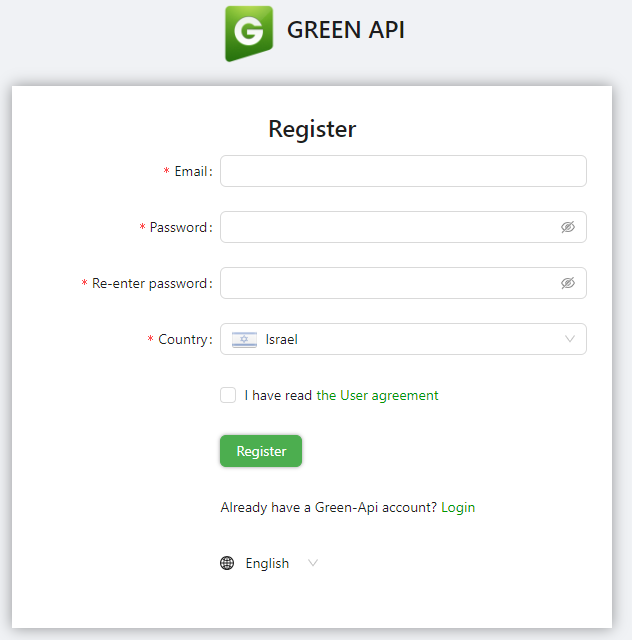
Nevigate to https://green-api.com/en and register for a new account:

Fill up your details and click on Register:
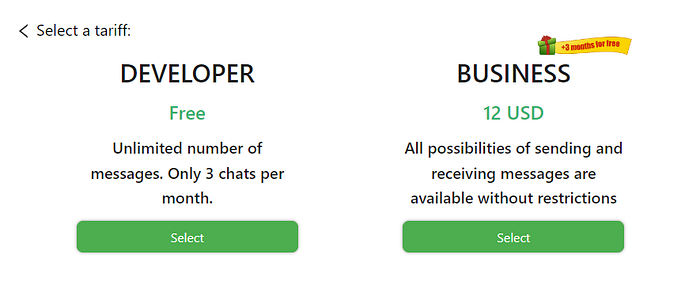
Next, click on the "Create an instance":

Select the "Developer" instance (Free):
Copy the InstanceId and Token, we need it for the integration settings:

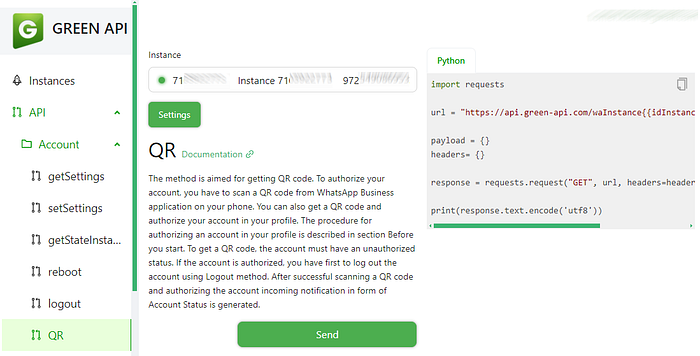
Next, Lets connect our whatsapp with green-api. On the left side, Under API → Account, click on QR and copy the QR URL to the browser and click on "Scan QR code"
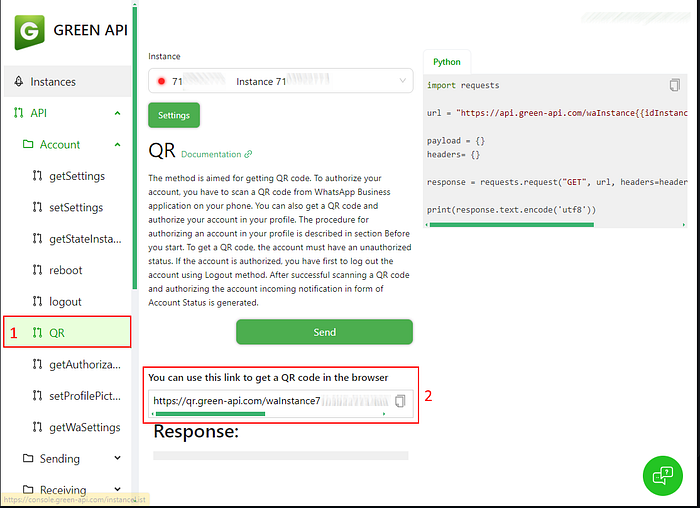
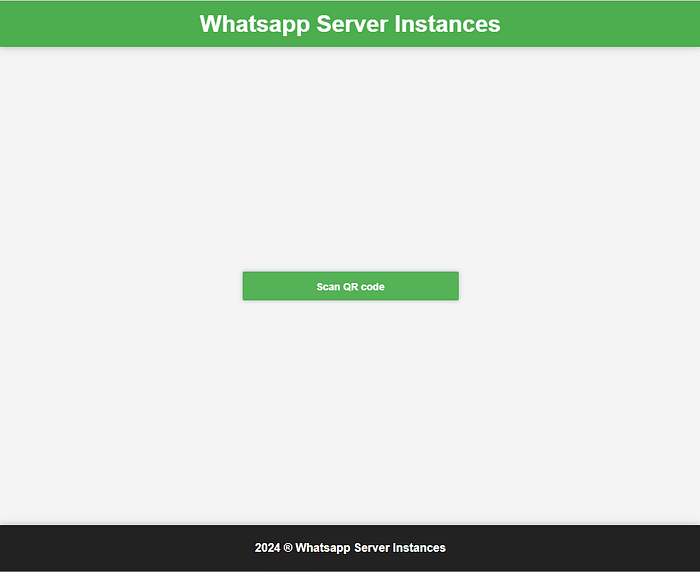
Next, Scan the QR code to link you whatsapp with Green API:
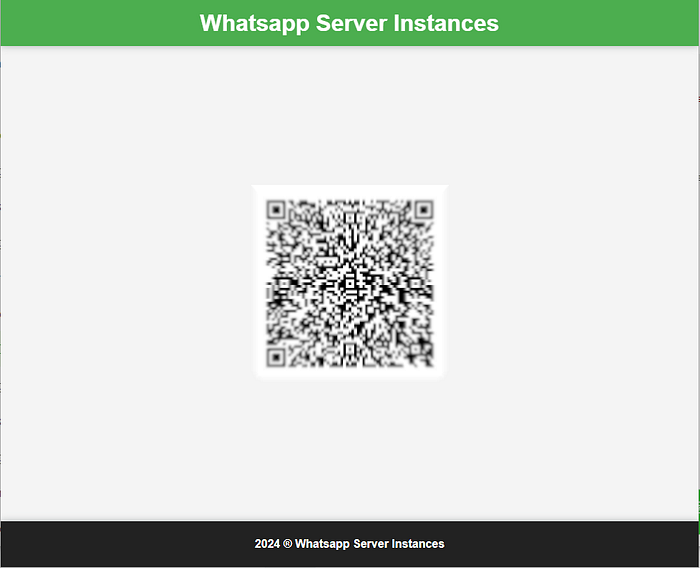
After the account link, you will notice that the instance is active by the green light in the instance header:
Getting the Contacts and Groups
Before we can start messaging, we need to get the Contact/Group details. we can do it using Green API endpoint. On the lef side, Under API → Service methods, click on "getContacts" and then click "Send":
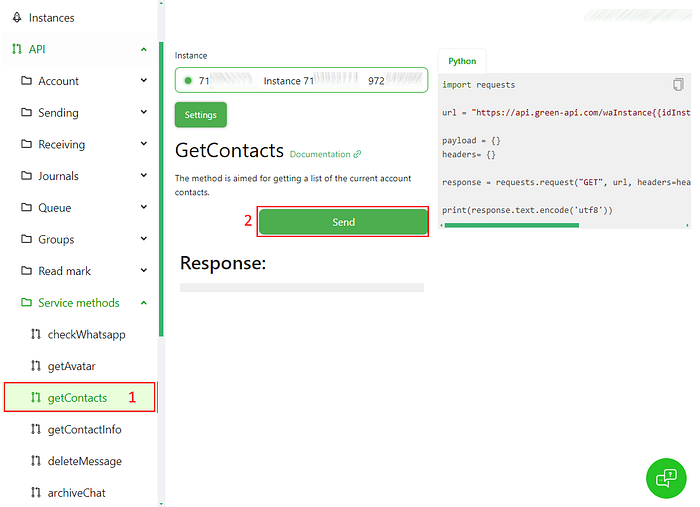
As a result, you will get the list of Contacts and Groups.
- The contact number ends with @c.us
- The group number ends with @g.us
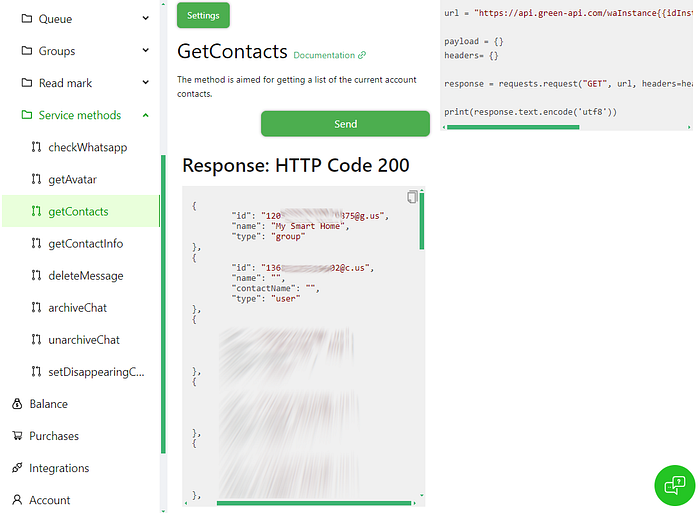
Write down the Id, you will need it to configure the notification.
Setting up the notification in Home Assistant
Download the green-api-custom-notifier, place it under the custom_components folder. Restart Home Assistant and add the following section to your configuration.yaml file:
notify:
  - platform: greenapi
    name: greenapi
    instance_id:  #Set the instanceid
    token:  #Set the greenapi token.
- instance_id is the Green API instance id.
- token is the Green API instance token.
- Target is the chat/contact/group id to send the message to:
- For groups, the id should end with @g.us
- For chats, the id should end with @c.us
Sending a message
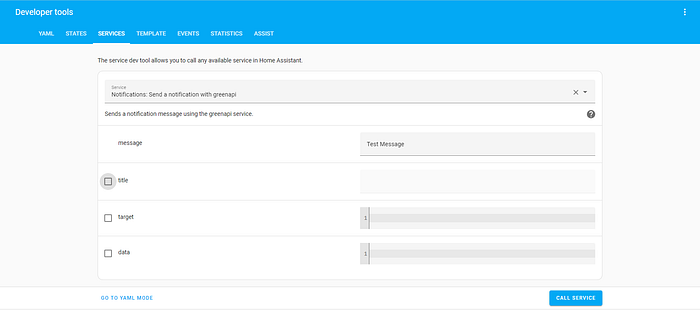
To Send a message you call the service and provide the following parameters:
- message (Required): Test to send.
- target (Required): The chat/group id to send the message to.

Or from Yaml mode:
service: notify.greenapi
data:
  message: New Whatsapp component
  target: 972*********@c.us
Optional — Attache media to the message
To send a message with media, add the following to the data parameter:
- file : [Path to the file]
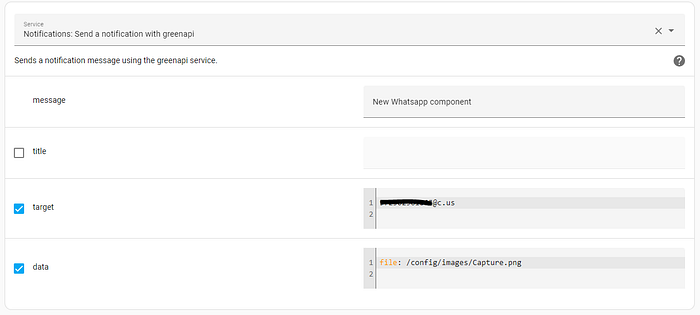
Or from Yaml mode:
service: notify.greenapi
data:
  message: New Whatsapp component
  target: 972*********@c.us
  data:
    file: /config/images/Capture.png