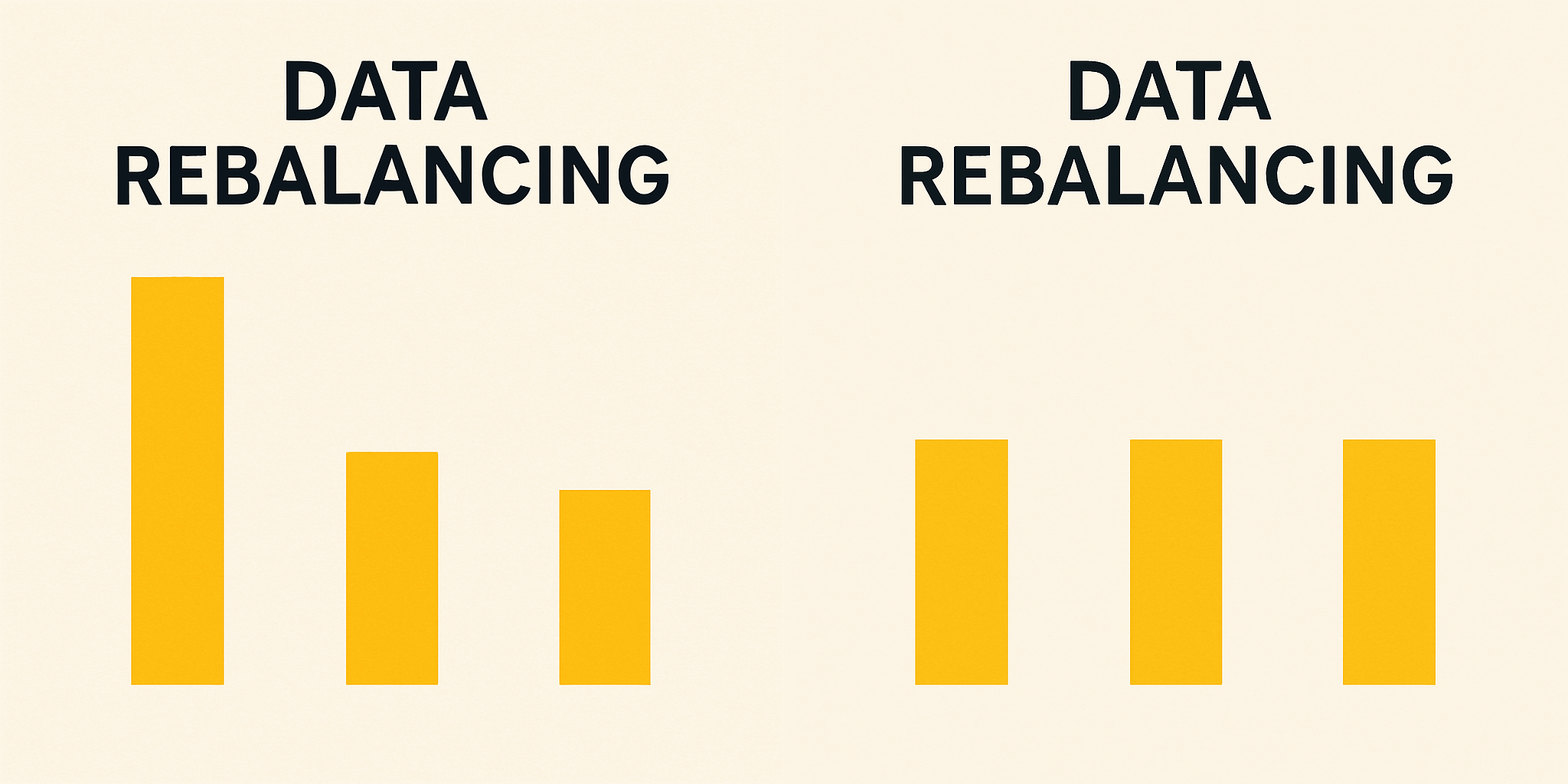
TL;DR
ClickHouse doesn't have a built-in way to rebalance data across shards. We presented the gap at clickhouse meetup, built a tailored external tool for our on-prem deployments, and then integrated it into a Kubernetes operator. This post covers the use case, the algorithm, the challenges, and what the operator looks like in practice.
The Gap in ClickHouse
ClickHouse is a shared-nothing architecture. Each shard owns its data, manages its own merges, and knows nothing about what other shards hold. When you add a new shard, old data stays put. New writes spread across the cluster, but months of historical data remain concentrated on the original shards.
There has been community effort to address this. The self-balancing architecture proposal introduced ALTER TABLE ... MOVE PARTITION TO SHARD, but it ran into challenges: race conditions leading to duplicate data in SELECT, data loss with zero-copy replication, and task cleanup issues. The feature was disabled. A broader rebalancing proposal and an extended ReplicatedMergeTree PR are still in progress.
We presented these gaps and our early experiments at Clickhouse meetup Mumbai last year. One of the future work items from that talk was extending the Kubernetes operator to handle rebalancing. This post is about how we did that.
Our use case
We run ClickHouse on-prem across many customer deployments with limited access and zero-touch upgrades. Clusters are deployed in t-shirt sizes: Small, Medium, Large. Each size has a fixed number of shards.
When a customer upgrades from Medium to Large, new shards are added to the cluster. But the existing data doesn't redistribute. The new shards sit empty while the old ones carry the full historical load. We needed a way to rebalance data automatically as part of the size upgrade, without manual intervention and without downtime.
Since none of the existing options (TTL expiry, weight-based routing, manual partition moves) solved this cleanly, we built an external shard rebalancer that moves data gradually and safely across shards during the upgrade.
Shard Rebalancer
The core algorithm for the shard rebalancer works as follows:
1. Select the source shard and destination shard
2. Select a partition on the source shard
3. Fetch the partition from the source to the destination shard
4. Attach the partition on the destination shard
5. Drop the partition from the source shard
6. Repeat steps 1–5 until the cluster is balanced
The idea is straightforward: move partitions from overloaded shards to underloaded ones, one partition at a time, until the imbalance is eliminated. The rebalancer runs in a loop, selecting a single partition in each iteration, reassessing shard balance afterward, and continuing until data is evenly distributed across the cluster.
Although the high-level logic is simple, implementing it in practice introduces several challenges. These include enabling live data movement without user-visible impact, ensuring fault tolerance including supporting restartable data fetches in the event of crashes.
Initially, we attempted to address some of these challenges by contributing to experimental ClickHouse features (PR #68020) and proposing new capabilities (issue #66408) to build the necessary primitives directly into ClickHouse. However, we quickly realized the complexity involved in implementing and upstreaming these changes.
To proceed without these database-level primitives, we designed the solution around a few practical assumptions: older partitions in a table are not actively written to, data is partitioned by time and users can tolerate brief periods of duplicate data.
With these assumptions in place, we built a shard rebalancer for the ReplicatedMergeTree family of tables.
Kubernetes Operator Integration
The core rebalancer logic is implemented as a standalone Go library. To bring it into the Kubernetes world, we introduced a new custom resource ClickhouseRebalance.
We built this on top of Altinity's open-source ClickHouse operator, which already manages ClickHouse clusters for us.
The ClickhouseRebalance manifest
apiVersion: clickhouse.altinity.com/v1
kind: ClickhouseRebalance
metadata:
  name: rebalance-analytics
spec:
  # Which cluster and table to rebalance
  clusterName: production
  database: analytics
  replicatedTable: events_local
  distributedTable: events

  # Bootstrap connection (operator discovers full topology from here)
  connection:
    host: chi-analytics-0-0.clickhouse.svc
    credentialsSecret: clickhouse-credentials

  # Tuning
  configuration:
    maxShardSkewPercent: 10        # stop when skew drops below this
    ageThresholdDays: 30           # only migrate partitions older than this
    timeoutMinutes: 120            # max wall-clock time for the run
    shardSelectorStrategy: "DiskUsage"
    partitionSelectorStrategy: "PartitionAge"
    migration:
      enableAccessControl: true    # revoke/grant SELECT to avoid duplicate reads
      failedPartitionRetries: 3
      cleanupDropRetries: 5
Rebalancing a table in the ClickHouse cluster is straightforward: just apply the manifest to your Kubernetes ClickHouse cluster. However, there are a few key configurations you should understand before doing so.
maxShardSkewPercent: This determines acceptable data imbalance between shards. Defaults to 10%.ageThresholdDays: Defines the minimum partition age required for migration eligibility. This helps avoid moving data that is still actively being merged. Defaults to 30 days.enableAccessControl: When true, revokesSELECTon the distributed table to prevent duplicate reads. Defaults to false.shardSelectorStrategy: Strategy to select source and destination shards. Defaults toDiskUsagepartitionSelectorStrategy: Strategy to select partition for migration. Defaults toPartitionAge
The rebalancer library is extensible, providing users with the options to implement their own shard and partition selection strategies.
Monitoring
Once the manifest is applied, you can monitor the rebalance run using kubectl get chrb
NAME                  PHASE         SKEW BEFORE %   SKEW AFTER %   MIGRATIONS   DATA MOVED   DURATION
test-rebalance        Completed     100             0.01           2            341.44 KiB   15.6s
Use kubectl describe chrbto track the live progress of a rebalance run. Kubernetes Events capture every state transition, partition selection, successful migration, and failure along the way.
Events:
  Message
  -------
  [2026-04-13T07:50:20Z] Starting rebalance for scale_test.hourly_data_local
  [2026-04-13T07:50:20Z] Rebalance run created for scale_test.hourly_data_local
  [2026-04-13T07:50:22Z] Selected partition 202601 for rebalancing (from 1 → 2)
  [2026-04-13T07:50:24Z] Partition 202601 transitioned from TODO → FETCHING
  [2026-04-13T07:50:24Z] Partition 202601 transitioned from FETCHING → ATTACHING
  [2026-04-13T07:50:24Z] Partition 202601 transitioned from ATTACHING → DROPPING
  [2026-04-13T07:50:24Z] Partition 202601 transitioned from DROPPING → DONE
  [2026-04-13T07:50:24Z] Partition 202601 migrated from 1 → 2 (success #1)
  [2026-04-13T07:50:29Z] Selected partition 202512 for rebalancing (from 1 → 2)
  [2026-04-13T07:50:30Z] Partition 202512 transitioned from TODO → FETCHING
  [2026-04-13T07:50:30Z] Partition 202512 transitioned from FETCHING → ATTACHING
  [2026-04-13T07:50:30Z] Partition 202512 transitioned from ATTACHING → DROPPING
  [2026-04-13T07:50:30Z] Partition 202512 transitioned from DROPPING → DONE
  [2026-04-13T07:50:30Z] Partition 202512 migrated from 1 → 2 (success #2)
  [2026-04-13T07:50:35Z] scale_test.hourly_data_local balanced (2 migrations, skew 100.0% → 0.0%, moved 341.44 KiB)
Detailed migration statistics are available in the status section once the rebalance completes.
Status:
  Migrations:
    Partition: 202601, Source Shard → Destination Shard:  1 → 2, Final State: DONE, Data Moved: 170.77 KiB, Total Rows Moved: 5000, Duration: 1s
    Partition: 202512, Source Shard → Destination Shard:  1 → 2, Final State: DONE, Data Moved: 170.67 KiB, Total Rows Moved: 5000, Duration: 500ms
  Migrations Attempted:  2
  Migrations Succeeded:  2
  Rebalance Id:          3b504441-357e-46b7-814e-89dd8447b205
  Shards After:
    Shard: 1, Disk: 341.40 KiB, Partitions: 2, Rows: 10000 (sampled from chi-chi-chcluster1-0-0)
    Shard: 2, Disk: 341.44 KiB, Partitions: 2, Rows: 10000 (sampled from chi-chi-chcluster1-1-0)
  Shards Before:
    Shard: 1, Disk: 682.83 KiB, Partitions: 4, Rows: 20000 (sampled from chi-chi-chcluster1-0-0)
    Shard: 2, Disk: 0 B, Partitions: 0, Rows: 0 (sampled from chi-chi-chcluster1-1-0)
  Skew After:        0.01
  Skew Before:       100
  Start Time:        2026-04-13T07:50:20Z
  Total Data Moved:  341.44 KiB
  Total Duration:    15.6s
  Total Rows Moved:  10000
Looking ahead
We built this rebalancer around the practical needs of our environment: t-shirt-sized on-prem ClickHouse deployments that require zero-touch upgrades. While the current design is intentionally focused, its extensible interfaces leave room for it to evolve further.
Two natural next steps are scheduled rebalancing, by extending the current Rebalance CR with cron-based execution for a more hands-off operational model, and tighter operator synchronization, so cluster updates can be paused while a rebalance is in progress.
Over time, it would be interesting to see this grow into a more general solution: different shard selection strategies for different bottlenecks, and different partition selection strategies for different workload shapes.
A huge thanks to Shivji Jha, Tarun Annapareddy and Pranav Mehta for laying the groundwork for the shard rebalancer.